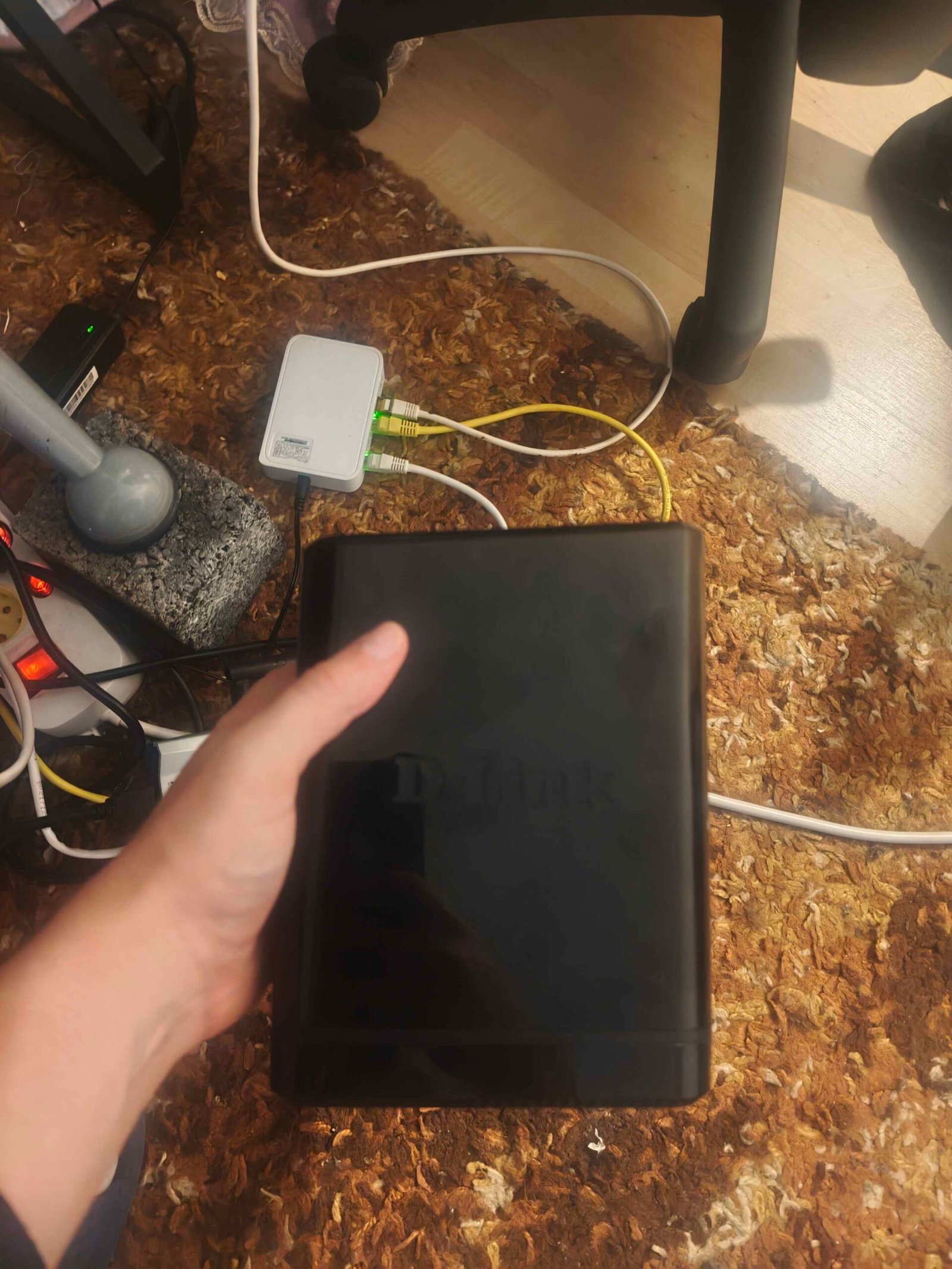
Automated NAS Backups in My Home Lab
Automated backups to a NAS in my self-hosted home environment.
Why I Added a NAS
My home lab contains virtual systems and security test environments. I use a NAS as a dedicated destination for automated backups in that private setup. This is an operational part of maintaining the lab: it connects systems that generate data with a separate storage destination and an automated backup process.
What I Have Actually Set Up
- A D-Link DNS-320 NAS with two 2 TB hard drives in my home environment.
- Automated backups to that NAS.
- Use of the backup destination alongside my self-hosted lab infrastructure.
The exact backup sources, software, schedule, and retention settings still need to be documented from my own configuration. The disk mode and usable capacity remain open until I check the NAS interface. D-Link lists Standard, JBOD, RAID 0, and RAID 1 for this model; I do not assign a mode without a configuration record. D-Link DNS-320 product documentation.
How This Relates to System Integration
Backups are a practical system-operation task. The relevant work is to connect the data sources, storage destination, and automation so that backup jobs run in the intended environment. In an FISI context, I would also document job status, access permissions, retention, storage capacity, and recovery procedures. This page currently documents my use of a NAS and automated backups; it does not claim that each of those additional controls has already been implemented.
The related home-server project explains the lab infrastructure. My Active Directory lab is a separate example of the virtual systems I work with.
Evidence and Next Documentation Step
The strongest next evidence would be redacted screenshots of the NAS configuration, a backup job with its last successful run, and a documented restore of a non-sensitive test file or VM. I have not documented a restore test here. An automated backup job alone does not prove that recovery works.